Which connection should I use?
Audience: Shop owner (Admin) Time: 2 minutes
envoice files e-invoices from wherever your sales already happen. Pick the connection that matches where you record a sale. You can use more than one in the same shop.
All connections are listed in Settings > Integrations, with their status.
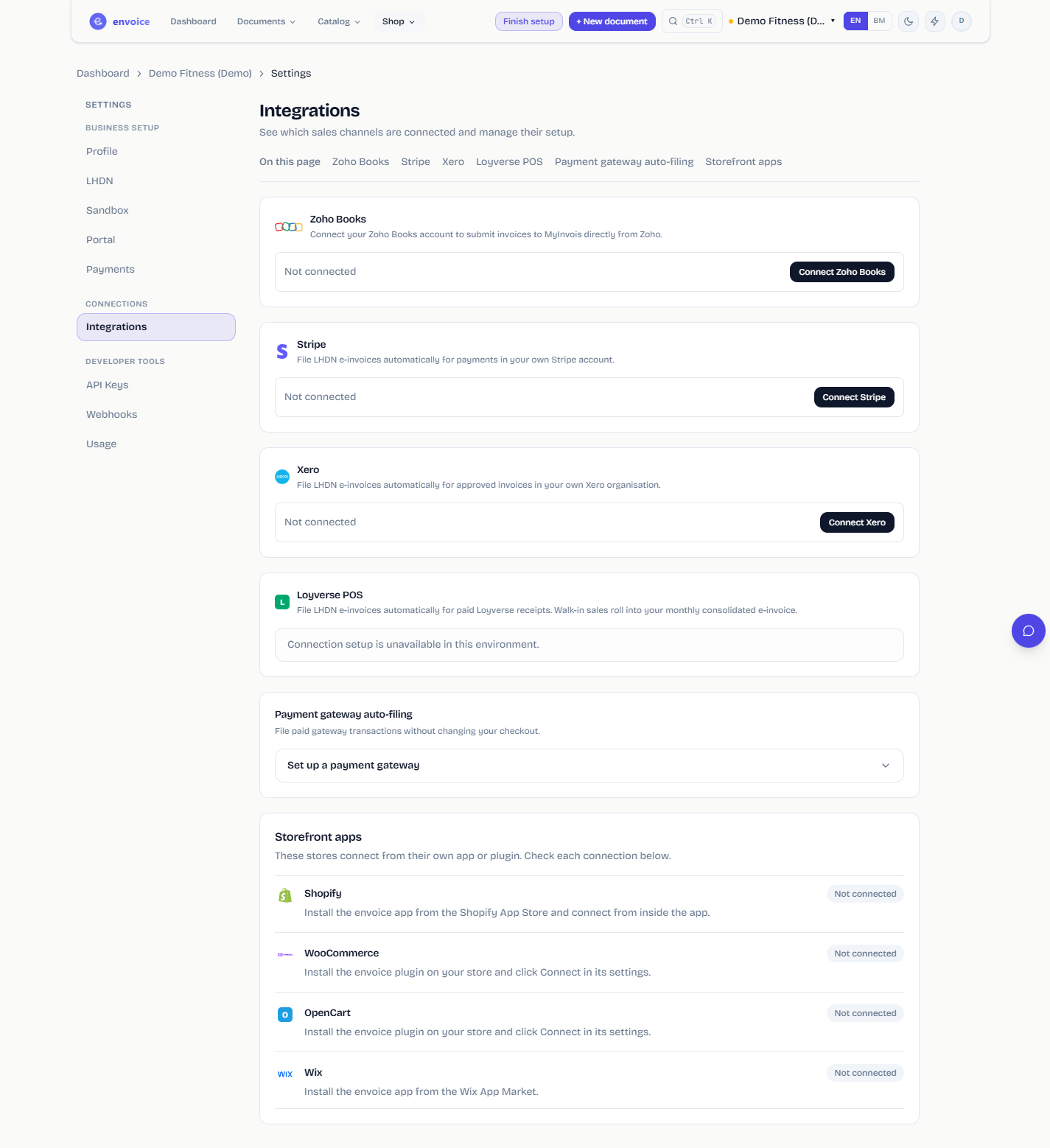
Pick by where you sell
| You sell or bill in | Use | How you connect |
|---|---|---|
| A Shopify store | Shopify | Install the envoice app from the Shopify App Store |
| A Wix store | Wix | Install the envoice app from the Wix App Market |
| An OpenCart store | OpenCart | Install the envoice extension from the OpenCart Marketplace |
| A WooCommerce store | WooCommerce | Install the envoice plugin on your WordPress site |
| Zoho Books or Zoho Invoice | Zoho Books | Connect from the envoice widget inside Zoho |
| Xero | Xero | Click Connect Xero in envoice |
| Stripe (invoices, Checkout, payment links) | Stripe | Click Connect Stripe in envoice |
| Your own system or POS | API keys and webhooks | Generate an API key (Pro or Enterprise) |
| A POS export file | CSV bulk upload | Upload the file in Documents |
| Nothing yet, or a few sales a day | The invoice form | Type the sale in envoice |
What every connection has in common
- Your store order number is kept. A channel sale is shown and searched by the store's own order number, so you can match it to your store admin.
- Walk-in or general public sales can wait for the month end. Most connections let you either file each order as its own e-invoice or record it for your monthly consolidated e-invoice. Orders above RM10,000 and orders with a buyer TIN always file individually.
- Refunds become credit notes that reference the original e-invoice.
- Your plan limits apply to documents from every connection together.
- LHDN credentials live in envoice, not in the store. Set them up once per shop. See Start in the demo shop and go live.
One business, several stores
If two stores belong to the same business (same TIN), connect both to the same envoice shop. If they are separate businesses with different TINs, create a shop for each and connect each store to its own shop. See Switch between shops.